How to use the new Talkadot Social Shares

You may have spotted the new Social shares under the Promote icon! From there you can select from the 7 different kinds of shareables, select from several different aspect ratios, and choose specific talks and quotes* or overall data.
So how does it all work? First you’ll select your template on the righthand menu. The ‘All-time Results’ will aggregate all of the data from every qualifying talk (a qualifying talk is one that has 5+ responses, and a talk title) into one image:

The Scorecard is similar, but can be used to show the data from all talks or from a specific talk of your choice.
The ‘Quote Wall’ will allow you to select a talk and several recommend quotes (or pick your own from the list*).
The ‘Featured Quote’ is similar to the Quote wall, but more dramatic with a dark background and more information about who gave the quote.
The ‘Testimonials’ is similar to the quote wall, with a different layout.
The ‘Results Card’ is similar to the Scorecard, but is designed to be talk specific.
Last but not least is the ‘Custom questions’ shareable, which allows you to share the responses from one of your custom questions that you’ve added to a survey!
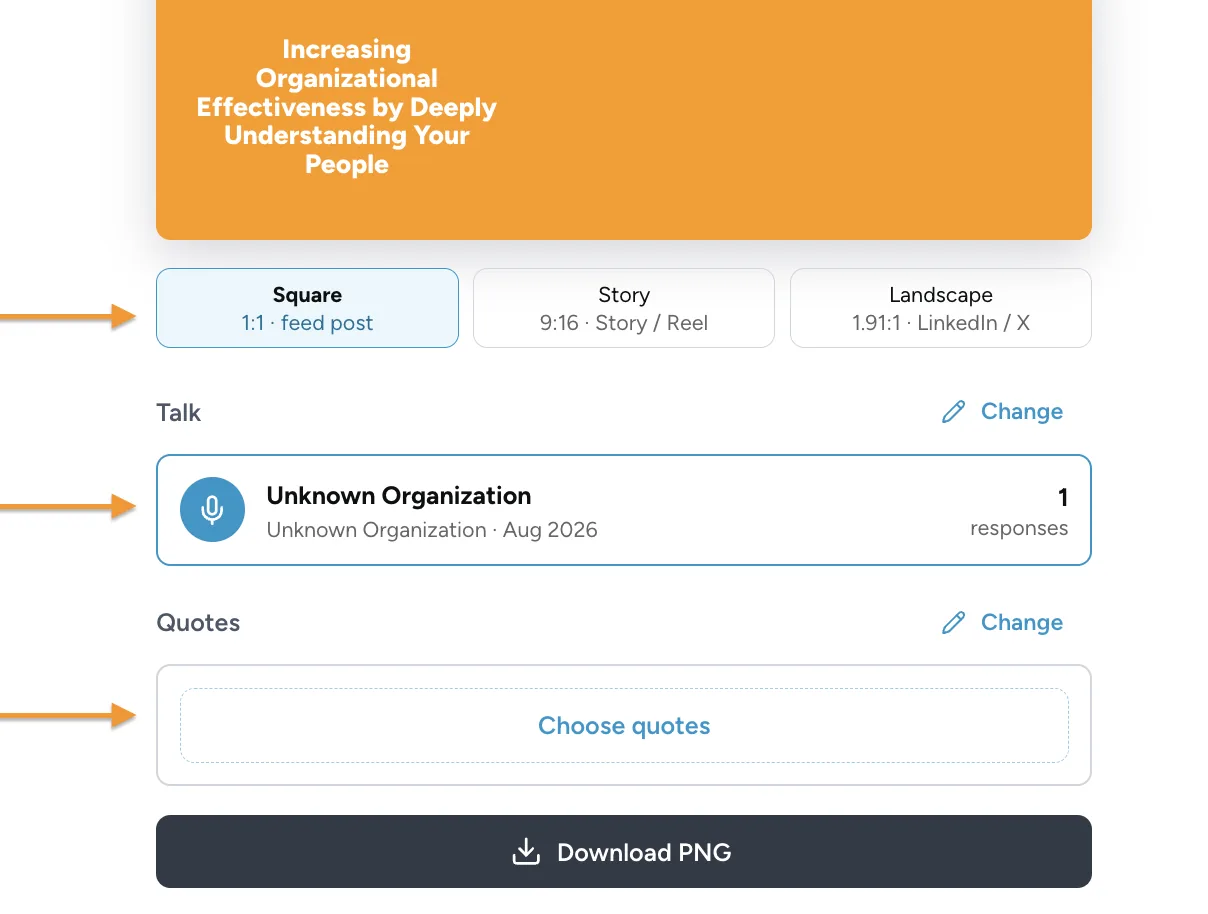
Below the image of the shareable is where you can select the aspect ratio, talk, and specific quote to use in the image, if relevant:
Additionally, if you are a Pro or above subscriber, you can customize the available colours for shareable creation by going to the ‘Your Brand’ section, and clicking on the sliders icon:

Whichever colours you select will be saved for future use as well, so you don’t have to customize it every time!
*Please note, only Quotes that have granted sharing permissions can be displayed on the shareables. Sharing Permissions are requested in the ‘Describe this talk’ question. If this question is turned off, we treat the responses as if permission had not been given.
