What Talkadot asks your Audience
Have you ever wondered what your survey will look like for your audience?
.png)
Hello everyone!
Have you ever wondered what your survey will look like for your audience? Well, I’m happy to help answer that question!
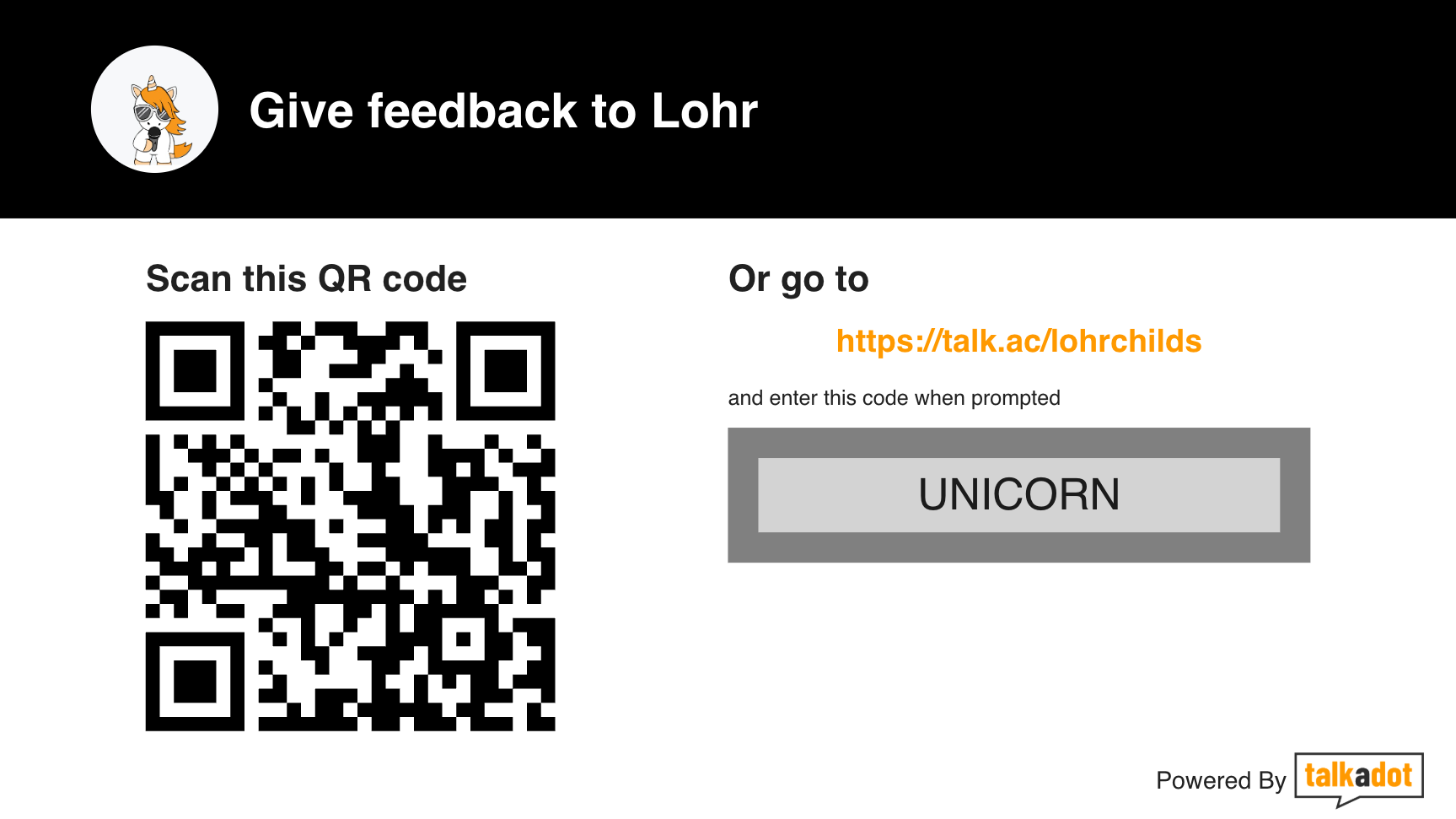
If you’re interested in taking a run through a survey I made to show you the basic flow (plus one custom question) you can do so here: https://talk.ac/lohrchilds?code=UNICORN
Or scan the QR code below!
However, if you just want the plain overview, I can do that too!
When your audience first opens the survey, if they scanned the QR code they’ll be taken straight to the Contact Info page (if they followed a link, they may have to enter the code name first, which will be whatever you called your survey).
.png)
The survey is made to be easy to navigate on a mobile device, and the bright orange button at the bottom takes them through each question. Additionally, at the top it shows what percentage of the survey is completed (this is dynamic and the percentage will accurately reflect their progress, even if you add or remove questions).
After the contact information is a Yes/No question asking if they thought your talk was valuable. If they say ‘Yes’, they’ll be taken through the rest of the standard flow described below, but if they say ‘No’ they’ll be taken to a single additional question asking for additional details. This means that even audience members who might not be particularly motivated to answer a survey are likely to give you some information to help you improve.
However, lets assume they’ll say yes (statistics show they usually do!). In that case they’ll then be taken through a series of ‘Emoji’ questions to get a sense of how they felt about the talk. The adjectives here are customizable if you’re on a Pro or above plan.
.png)
By default there are 5 of these questions, and then it asks about interest in attending future talks. After that is the ‘Booking Flow’ which asks about their interest in either hiring you themselves, or referring you to another person who hires speakers. These questions are dynamic, so if they answer ‘No’ it just takes them past any follow-up, whereas if they answer yes, it will ask for more details. The Booking Flow can also be turned off all together, regardless of what plan you are on.
After that are a couple of open ended questions where we give your audience space to write in their response. These are your Testimonials and Feedback, and they also include the consent to share this information. If you are a Pro user and turn off the ‘Describe this Talk’ question, your audience will no longer be able to consent to their feedback appearing, and so it will be anonymized by default*.
.png)
After these last few questions, they reach an ‘All Done’ screen that will also include a button for your Bonus (if you included one)! Your custom questions can be added at any point in the process except the middle of the booking flow.
Additionally, if one of your audience members decides to bail out partway through the survey, you’ll still get the data for everything they’ve completed!
Until next time!
.gif)
*As of September 2026